
Final Cut Pro
Real-world video export benchmark using Apple's Final Cut Pro to test hardware encode/decode engines.
Instructions
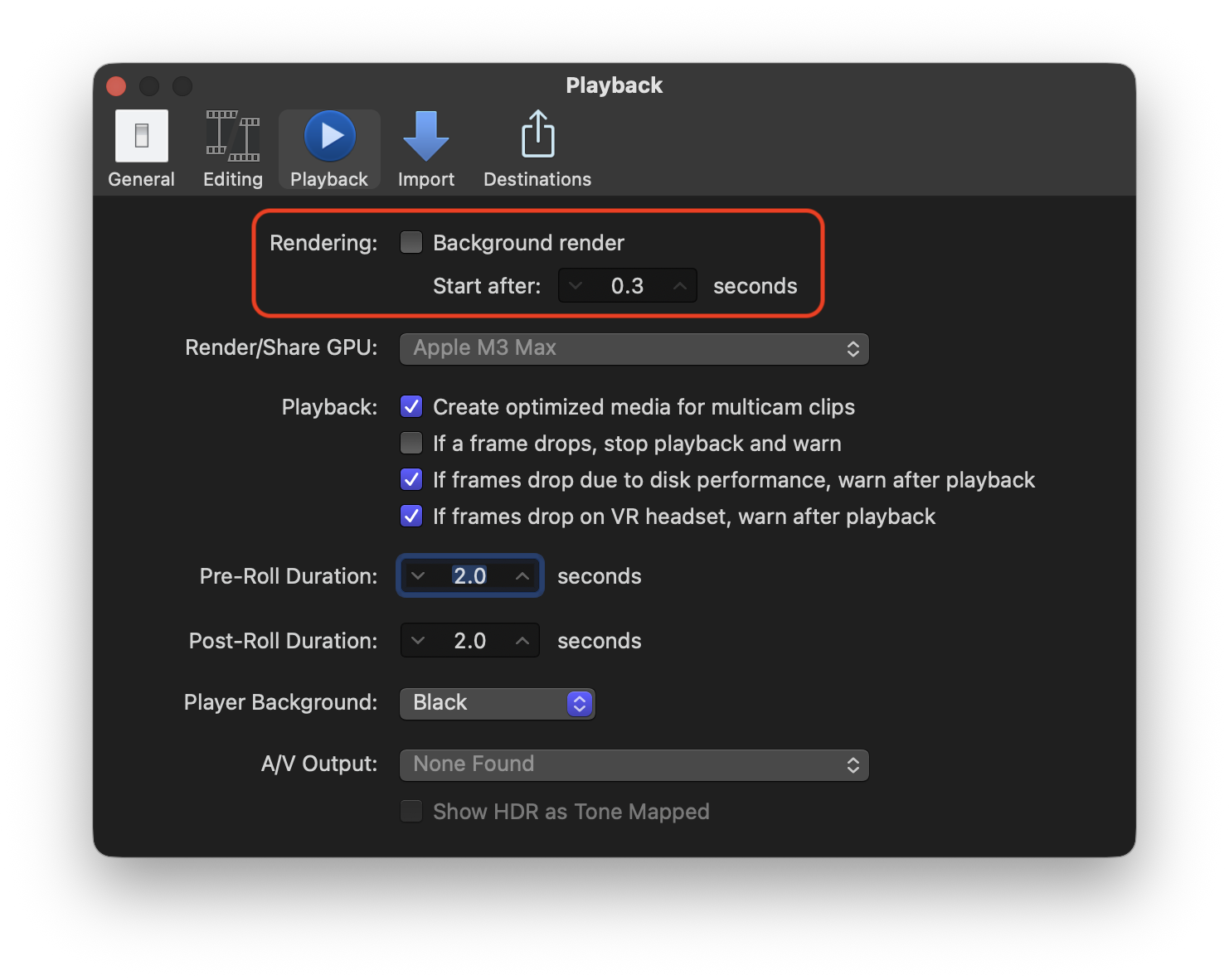
BEFORE running any benchmark, open Final Cut Pro settings and disable automatic rendering.
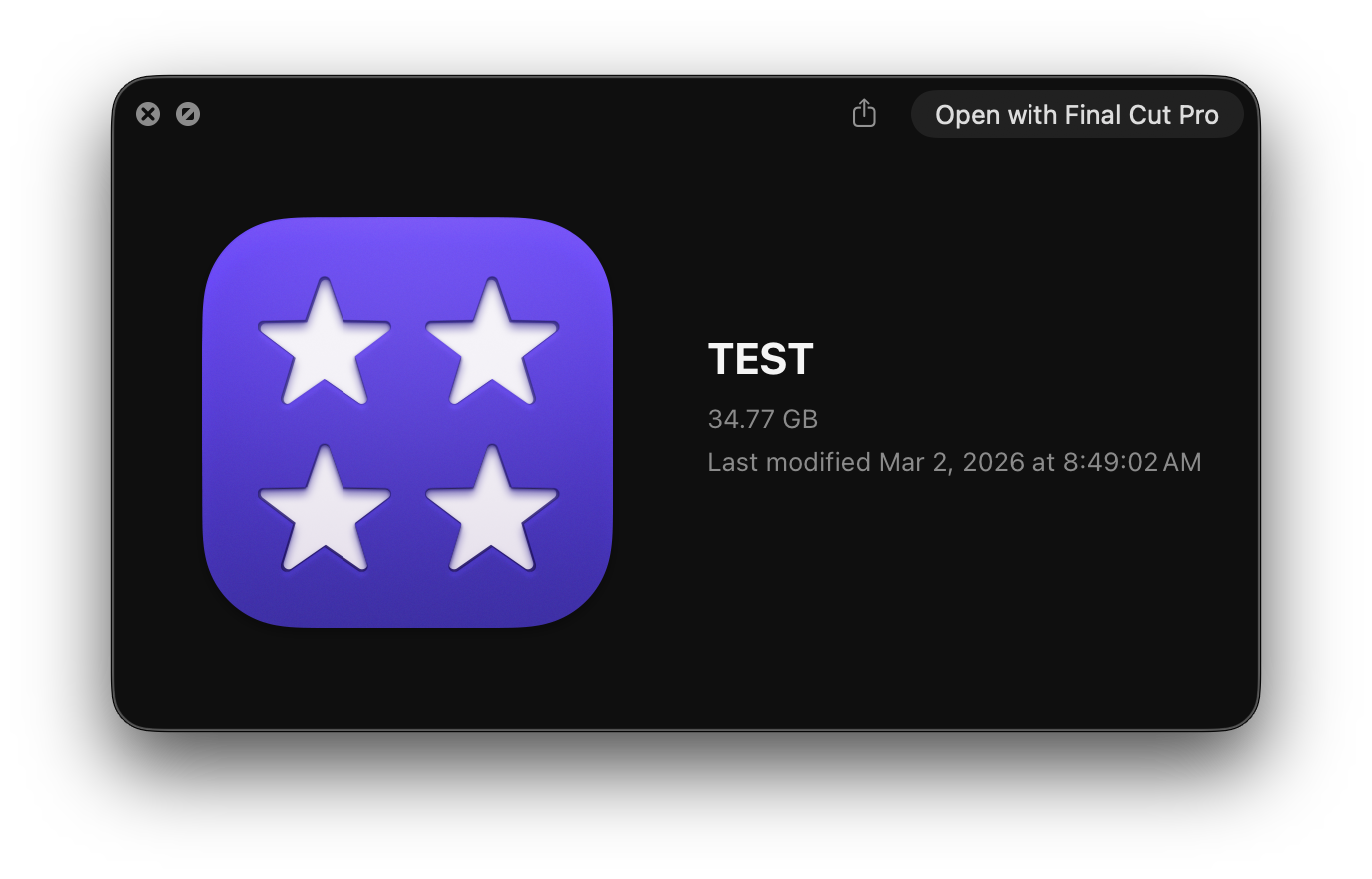
Download the test Final Cut Pro library.
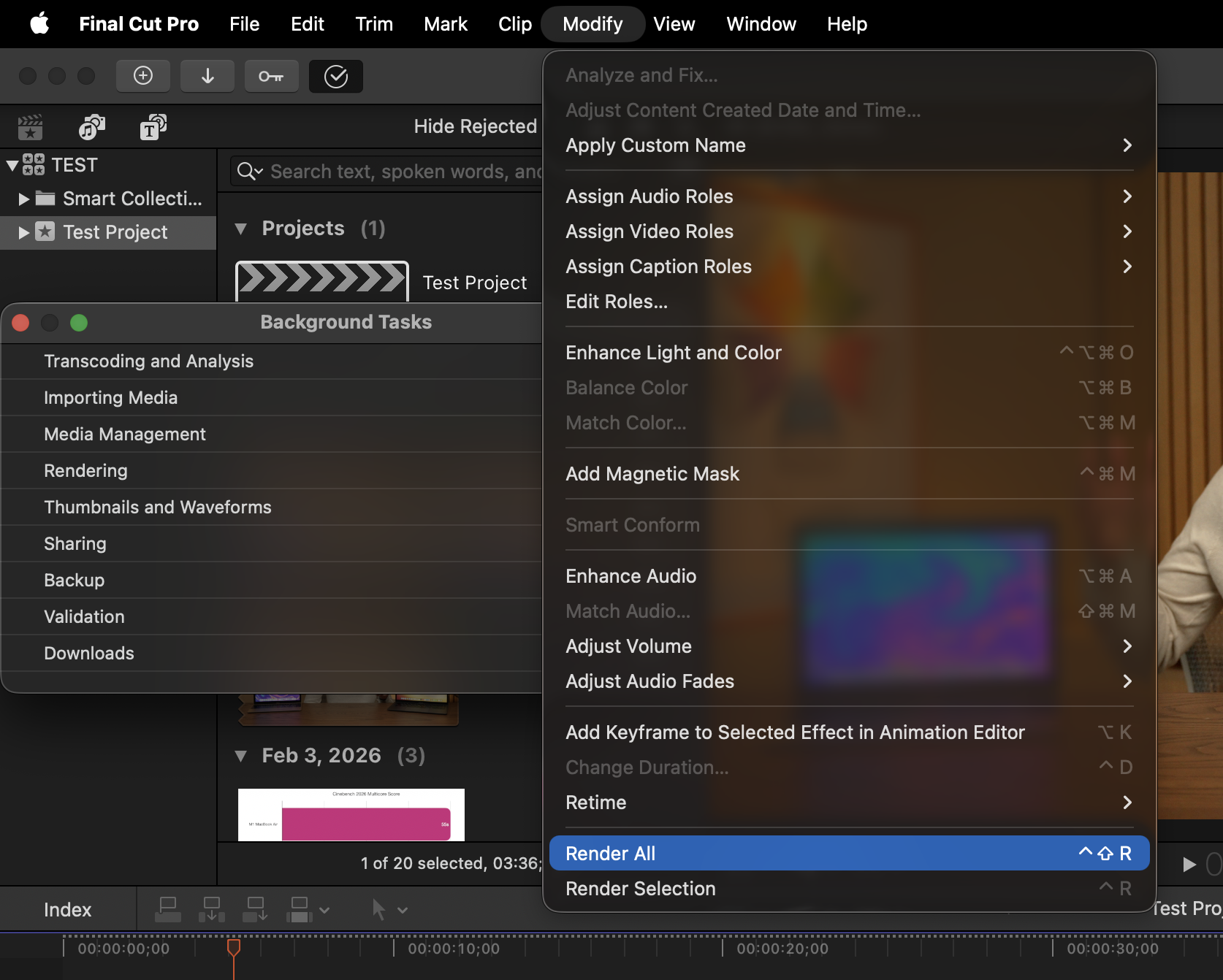
With the timeline open, click ‘Modify’ in the top menu bar, then select ‘Render all’.
Using a stopwatch, time how long it takes before the entire timeline is rendered. Open the activity viewer for most accurate timing.
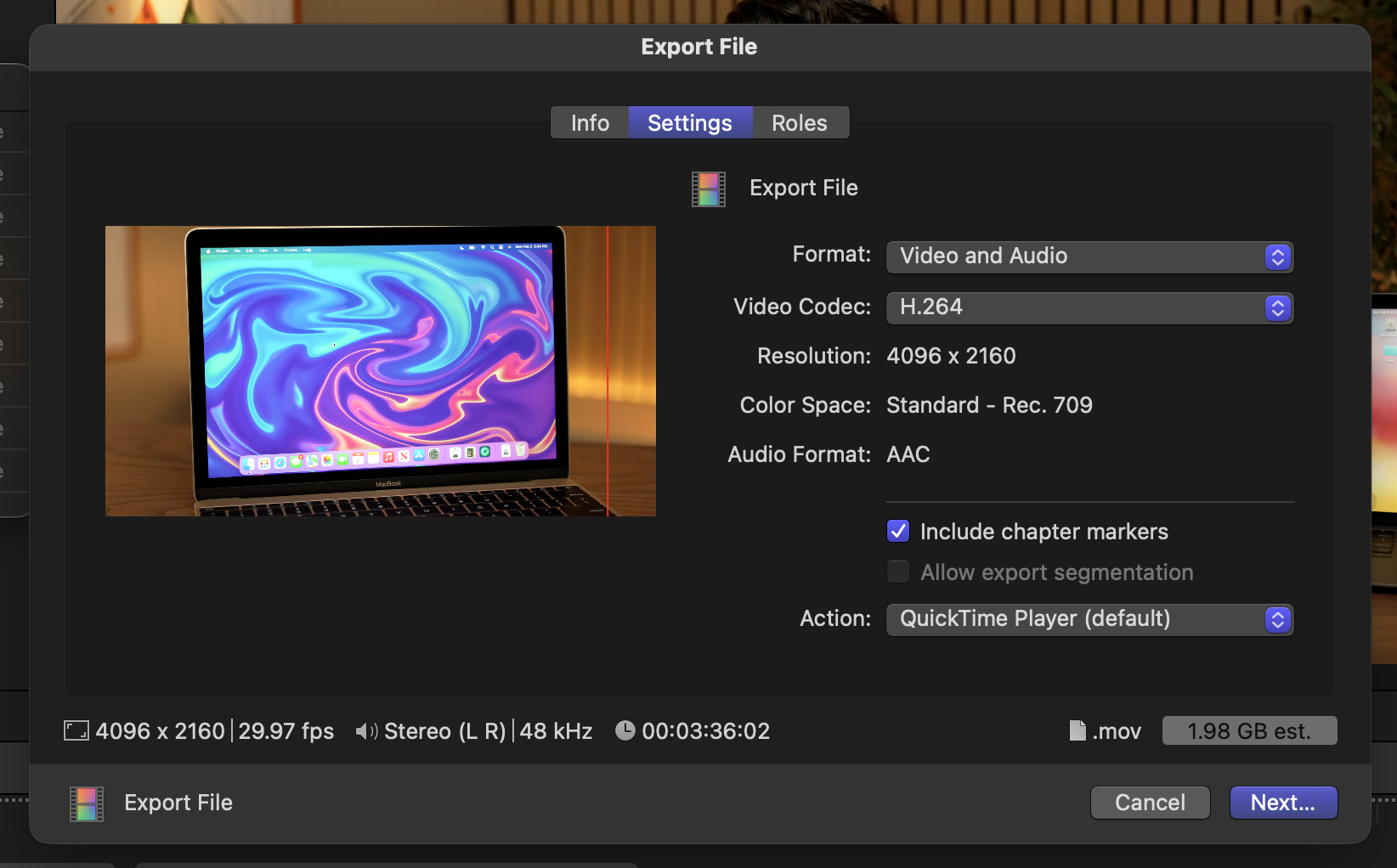
Once the timeline is rendered, use the following export settings to share the project: video and audio with H.264, should result in a 1.98gb export file. Make sure to save to whatever drive the project is running from. For most accurate results, the local drive is preferred.
Sign In to Submit Results
To contribute your benchmark data and help the community, please sign in.